Introduction to Emotn Store: The Digital Hub for Your Android TV
In today's world of home entertainment, your Smart TV or Android TV Box is likely the center of your living room. But let's be honest—sometimes the official app stores feel a bit limited, don't they? Whether it's regional restrictions or a lack of specialized tools, you're not always getting the most out of your hardware.
That's where Emotn Store comes in. It's not just another app store; it's a premier, ad-free platform built from the ground up specifically for televisions. If you've been looking for a way to unlock your TV's full potential, you're in the right place.
What exactly is Emotn Store?
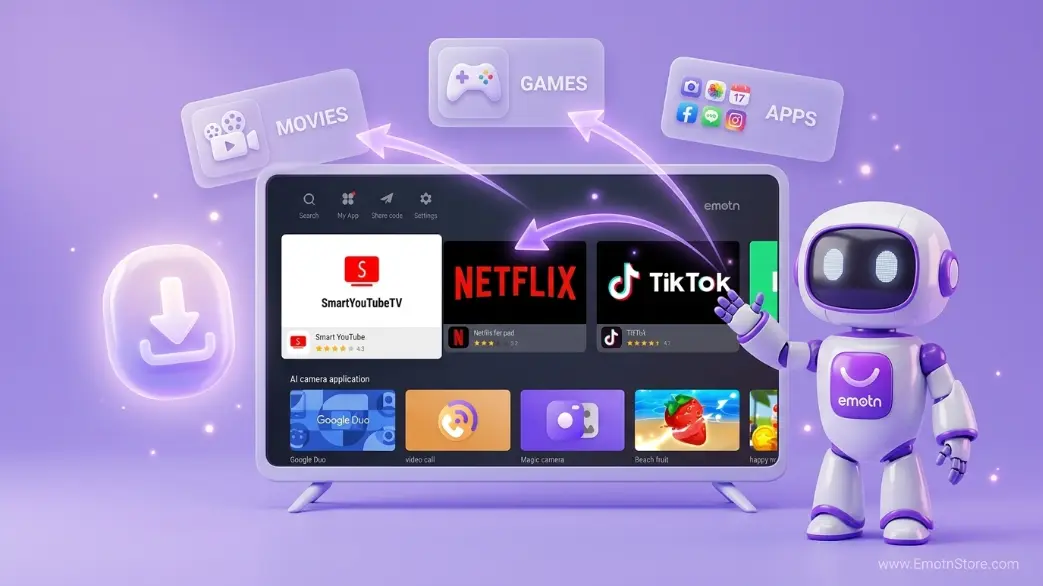
Think of Emotn Store as a "technical masterpiece" designed for what we call the "Ten-Foot Interface." While most app stores are just blown-up versions of mobile apps, Emotn is different. It's engineered for remote control navigation and high-resolution large screens.
From global streaming giants to niche local utilities, every app in the store is hand-picked and verified for stability. It’s about giving you a curated experience that actually works on your TV chipset without the typical crashes or lag.
Quick Summary
Emotn Store provides its users with a seamless, high-speed, and secure environment to discover apps that are often not available on the official Google Play Store due to regional or licensing restrictions.
Why Choose Emotn Over the Official Play Store?
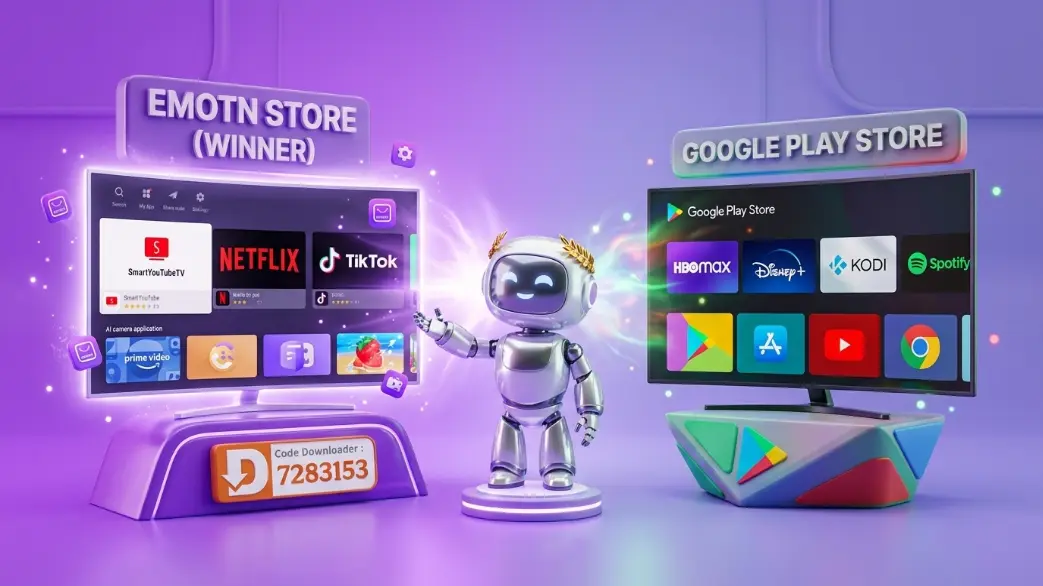
While the Google Play Store is the standard, it often filters out some of the most powerful streaming and utility apps. Here's a quick comparison:
| Feature | Google Play Store | Emotn Store |
|---|---|---|
| Registration | Required (Google Account) | **None Required** |
| Geographic Restrictions | Strict (Region-locked) | **None (Global Access)** |
| App Selection | Filtered/Limited | **Unfiltered/Comprehensive** |
| Ads Interface | Contains Ads | **100% Ad-Free** |
| Installation Speed | Standard | **CDN Accelerated** |
Top 5 Features You'll Love
- No Account Synchronization: You don't need to link your email or personal data. Just open the store and start downloading immediately.
- International Content: Access apps from different countries without needing a VPN for the store itself.
- Hardware Cleanup: Emotn Store includes built-in tools to help clear cache and optimize your TV's RAM for better streaming performance.
- Safety First: Every APK is scanned by multiple antivirus engines before being listed.
- User Interface: Modern, dark-themed (or light-themed!), and incredibly fast on even low-end TV boxes.
How to Get Started?
Getting started is incredibly easy. Most users install Emotn Store using the popular Downloader App code: 7283153. Once you're in, you can browse through categories like 'Movies', 'Music', or 'Tools', and install what you need with a single click.
100% Free • No Account Required • Global Access
Frequently Asked Questions (FAQs)
Is Emotn Store free?
Yes, Emotn Store is completely free to download and use. There are no subscription fees or hidden costs for the store itself.
Does it work on Samsung or LG TVs?
Emotn Store is built for Android TV OS. If your Samsung or LG TV uses Tizen or WebOS, you would need an external Android TV Box (like a Firestick, Shield TV, or Mi Box) to use it.
Is it legal?
Emotn Store is a repository for third-party applications. Using the store itself is legal as it is simply a platform for hosting APK files, similar to a web browser.
Why you should switch today?
Many users find the official Google Play Store restrictive for TV devices. Emotn Store fills this gap by offering "unfiltered" access to global applications. You can read more about our key features here.
Quick Tip:
You can install Emotn Store directly on your TV using the Downloader code 7283153. Check our full guide on how to use codes.