How to Install Emotn Store on Firestick: Your Complete 2026 Guide
The Amazon Firestick is an incredible little device, but let's be real—the Amazon Appstore can feel pretty restrictive. If you've ever tried to find a specific streaming app or a specialized utility only to see "App Not Available," you know the frustration.
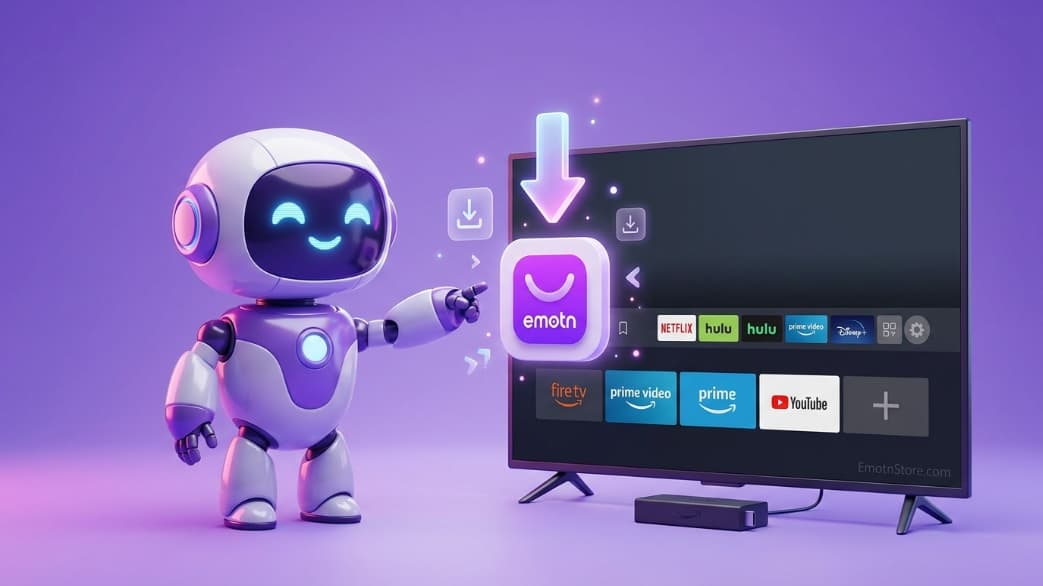
The good news? You can easily bypass these limits by installing Emotn Store. In this guide, I'll walk you through exactly how to get it running on your Firestick or Fire TV in less than 5 minutes. No tech degree required!
Phase 1: Preparing Your Firestick (The Developer Settings)
Before you can install any app outside the Amazon Appstore, you must enable a specific setting. Follow these steps carefully:
- Go to the Settings menu from the Firestick home screen.
- Select My Fire TV.
- Click on About.
- Hover over Fire TV Stick and click it 7 times fast until you see the message "No need, you are already a developer."
- Go back one screen and select Developer Options.
- Turn on Apps from Unknown Sources (or select 'Install unknown apps' and enable it for Downloader).
Pro Tip: If you don't see Developer Options, it's because Amazon hid them in a recent update. Clicking 'About' 7 times as described above will bring them back!
Phase 2: Installing the Downloader Utility
We will use a trusted app called 'Downloader' to grab the Emotn Store APK file.
- Search for "Downloader" in the Amazon Appstore.
- Install the app (it has an orange icon).
- Open it and Allow all permissions when prompted.
Phase 3: Using the Fast Code (7283153)
Forget typing in long, complicated URLs using a TV remote. We've made it simple with a dedicated shortcut code.
- Open Downloader and find the box that says 'Enter a URL or Search Term'.
- Type this code exactly: 7283153
- Click Go and wait about 5 seconds for the download to start.
- Once it's done, click Install.
- Important: After it's installed, click 'Done' and then choose Delete on the installation file. This keeps your Firestick's limited storage clean!
Setup takes less than 2 minutes via Downloader
Why Install Emotn Store on Firestick?
Firestick users often face "App Not Available" errors for global streaming services or specialized movie apps. Emotn Store provides a secondary repository that doesn't care about your Amazon region. It turns your $30 device into a powerhouse capable of running almost any Android application.
Troubleshooting Firestick Installation
"App Not Installed" Error
Ensure you have at least 150MB of free space on your Firestick. If it still fails, uninstall any old versions of Emotn Store first.
URL Shortener Not Working
If the code 7283153 doesn't work, ensure your Firestick is connected to the internet and that you have enabled Developer Options as shown in Phase 1.
Interested in what apps to download first? Check out our list of the Top 5 Streaming Apps for 2026.