Is Emotn Store Safe? Here’s Everything You Need to Know
Whenever you hear the word "sideloading" or "third-party app store," it’s natural to feel a bit cautious. After all, your Smart TV is a significant investment, and you want to keep your data and hardware safe from malware or intrusive tracking.
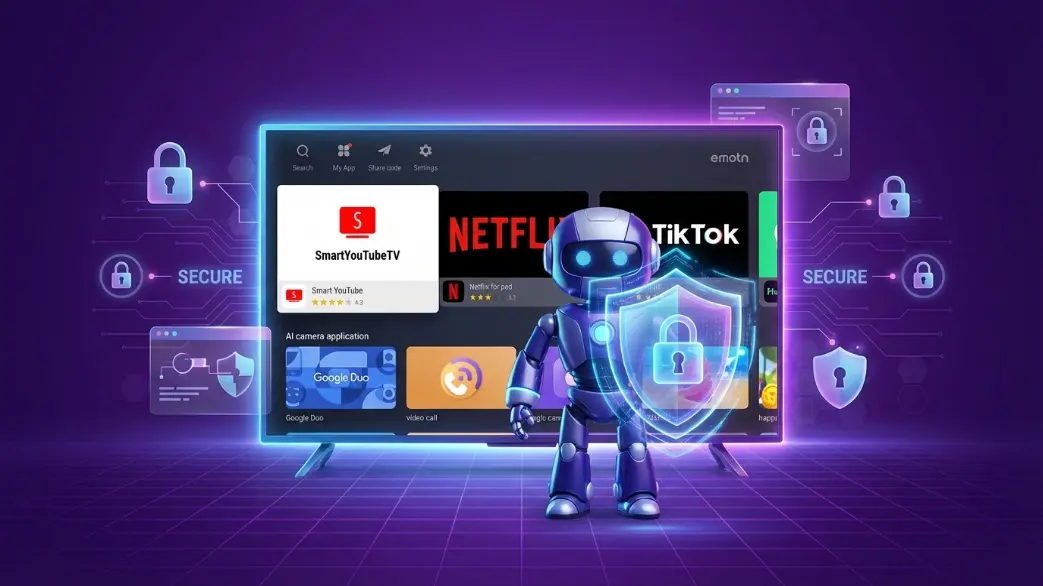
At Emotn Store, we understand that trust is everything. That’s why we’ve built our entire platform around security and transparency. In this guide, I’ll take you behind the scenes of our safety protocols so you can download with total peace of mind.
The Emotn Verification Pipeline
We don't just host any APK file. Every single application uploaded to our servers goes through a 3-stage verification process:
- Malware Scan: We use an API that checks files against 60+ antivirus engines including Bitdefender, Kaspersky, and Norton.
- Behavioral Analysis: The app is run in a virtual "sandbox" to ensure it doesn't attempt to access sensitive system files or send data to unauthorized servers.
- Community Feedback: Our moderation team reviews user reports in real-time. If an app is flagged for suspicious behavior, it is suspended immediately pending investigation.
Zero Account Policy
True safety includes privacy. Emotn Store does not require a Google account or any email registration. This means there is no way for your personal data to be leaked, because we never collect it in the first place.
Addressing Common Concerns
Does Emotn Store contain viruses?
No. By sticking to the official Emotn Store application and avoiding "cracked" versions from random websites, you are protected by our server-side security checks.
Why does Android TV warn me about "Unknown Sources"?
This is a generic warning from Google. It simply means the app wasn't downloaded from the Play Store. It doesn't mean the app is dangerous, only that Google hasn't reviewed it themselves.
How You Can Protect Yourself
While we do our part, users should follow these best practices:
- Only use our official site: Always get your APKs from www.EmotnStore.com.
- Check Permissions: If a simple calculator app asks for your "Microphone" or "Contacts" permission, deny it.
- Keep Emotn Updated: We release security patches regularly to ensure the latest protection.
Verified safe by 60+ Antivirus Engines
Conclusion
Emotn Store is built on trust. Our technical architecture is designed to prioritize device integrity above all else. You can stream and play with peace of mind knowing your Smart TV is protected by world-class security standards.